Guides

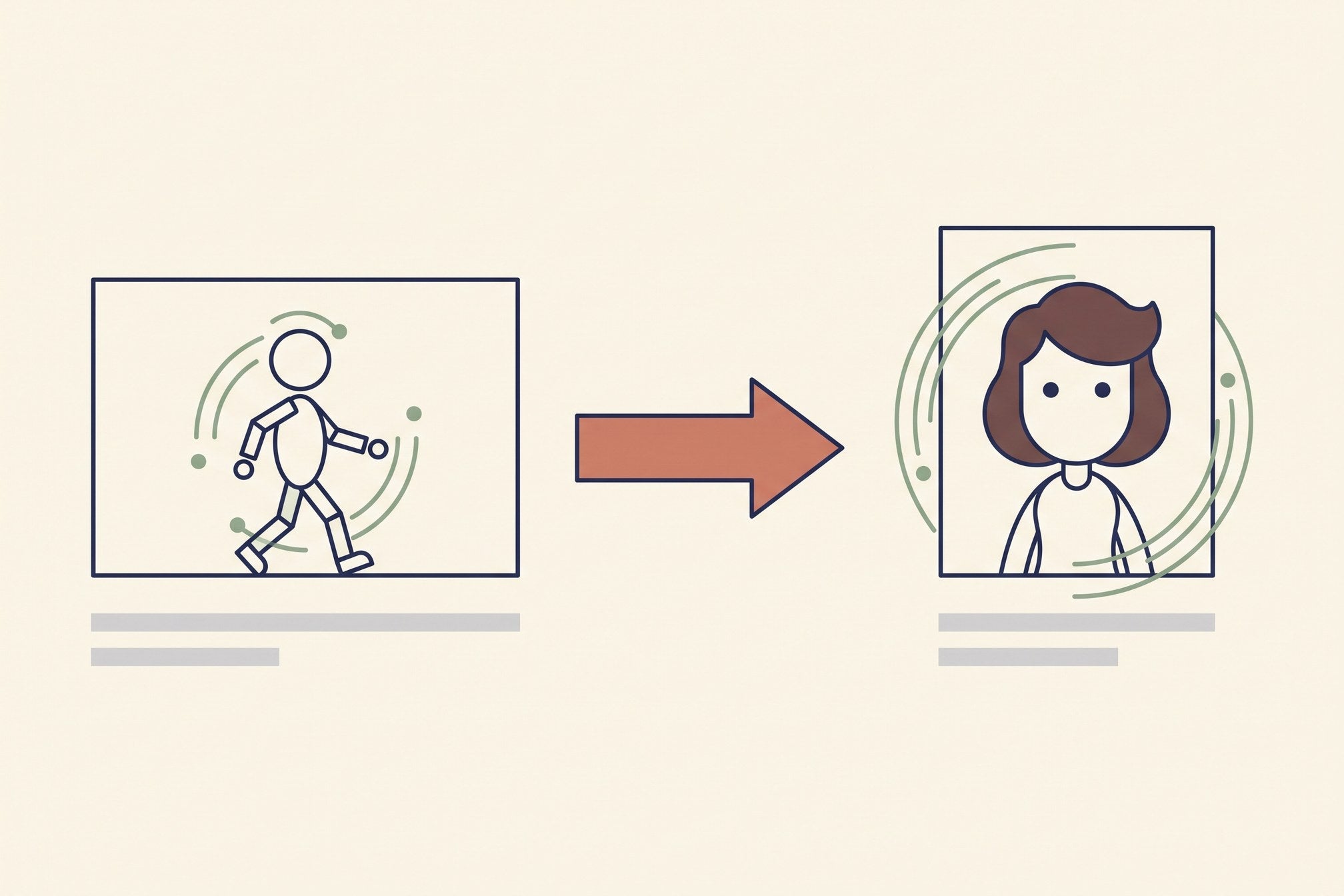
Flat vector diagram showing motion transferred from a driving video onto a still image

Motion Control AI Video: Transferring Movement Instead of Describing It
Motion control hands the model a video that already moves right instead of a paragraph describing it. What it does well, the three constraints that fail silently, and what a finished clip really costs.

Read moreabout Motion Control AI Video: Transferring Movement Instead of Describing It

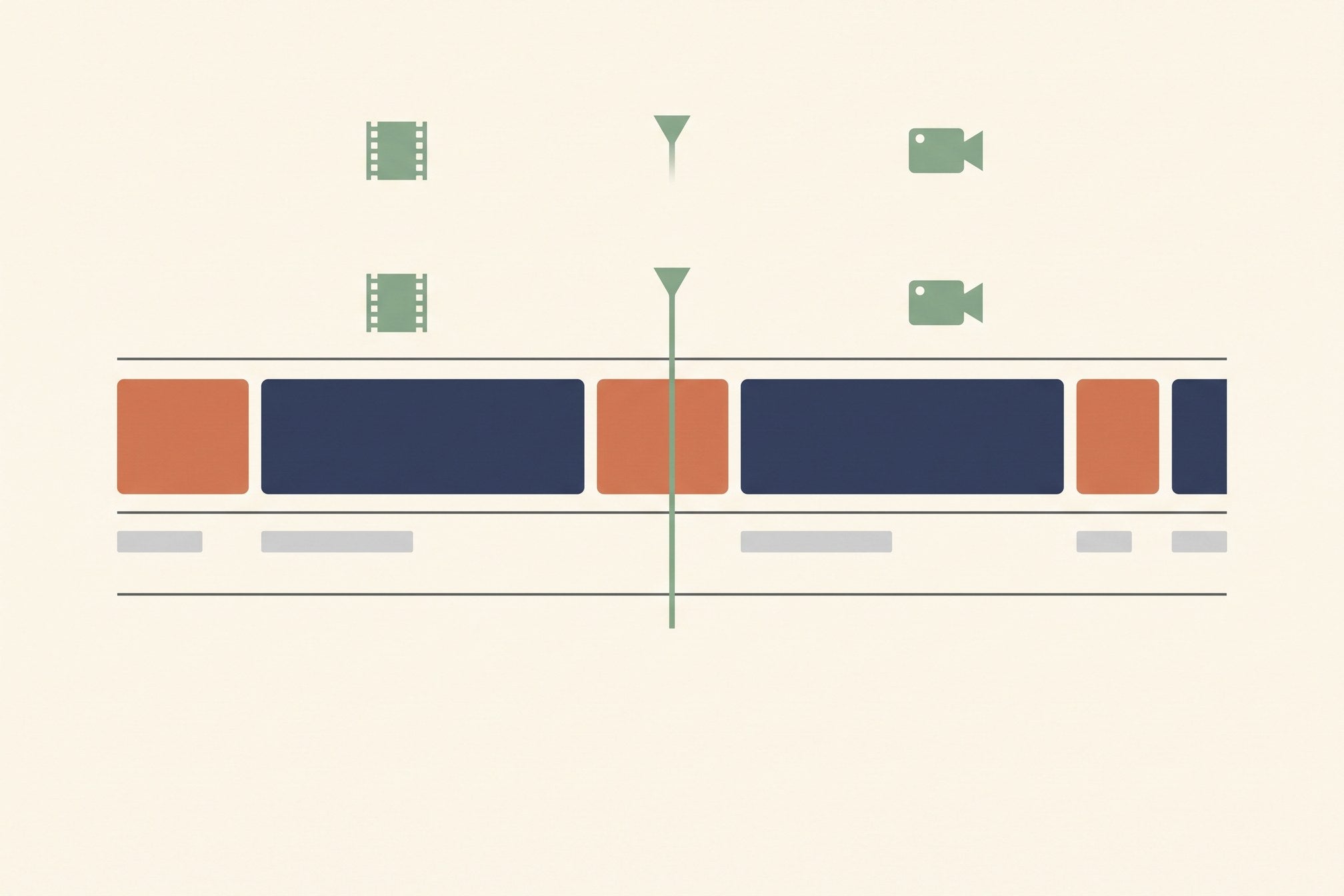
Flat vector illustration of a video timeline with b-roll clips cut between talking-head segments

AI B-Roll Generator: What Actually Works, and What It Costs

B-roll is the one job current video models are genuinely good at — if you keep clips under four seconds and the camera moving one way. Here is the workflow, the real cost, and the six things that still give generated b-roll away.

Read moreabout AI B-Roll Generator: What Actually Works, and What It Costs

Flat vector illustration of a shot list on the left turning into three generated video clips on the right

How to Create AI Videos: The Workflow I Use Every Day

Four minutes or four hours, and the difference is decided before you open the generator. Shot list first, start frame over description, four-part prompts, three attempts per shot, and the finishing that is most of the work.

Read moreabout How to Create AI Videos: The Workflow I Use Every Day

Flat vector illustration of a person editing short vertical videos at a desk beside a rising income chart

The AI Video Side Hustle: What It Pays, and What It Doesn't

Generation is not the bottleneck and it is not the cost. Real rates for client work, UGC ads and faceless channels, the route I would take from a standing start, and the four places the money leaks.

Read moreabout The AI Video Side Hustle: What It Pays, and What It Doesn't

Flat vector illustration of a pricing table with a stopwatch and a stack of credit coins

Runway AI Pricing in 2026: The Per-Second Cost Nobody Prints

Runway's plans run $0 to $95 a month, but the number that decides anything is dollars per second of video — and it swings 5x between tiers. Here is the arithmetic, and which plan is actually cheapest for how much you render.

Read moreabout Runway AI Pricing in 2026: The Per-Second Cost Nobody Prints

Flat vector illustration of one large video model connected to four smaller alternative models

Veo 3 Alternatives: What I Actually Use When Veo Is Overkill

Veo 3.1 is the best all-round model and the most expensive way to find out your hook doesn't land. Kling, Seedance, Runway and Wan compared on what each is genuinely better at.

Read moreabout Veo 3 Alternatives: What I Actually Use When Veo Is Overkill

Flat vector illustration of two video frames side by side with motion arcs and camera paths

Seedance vs Kling: Which One Should You Actually Render With?

I render daily with Seedance and reach for Kling when a shot has to carry the piece. Here is the real split on cost, motion, vertical output and the two-line rule that picks one.

Read moreabout Seedance vs Kling: Which One Should You Actually Render With?

Flat vector illustration of two AI avatar presenter cards side by side separated by a divider

HeyGen vs Synthesia in 2026: One Question Decides It
I pay for both. Here is where HeyGen wins, where Synthesia wins, what each really costs once re-renders are counted, and the single question that picks one in thirty seconds.

Read moreabout HeyGen vs Synthesia in 2026: One Question Decides It

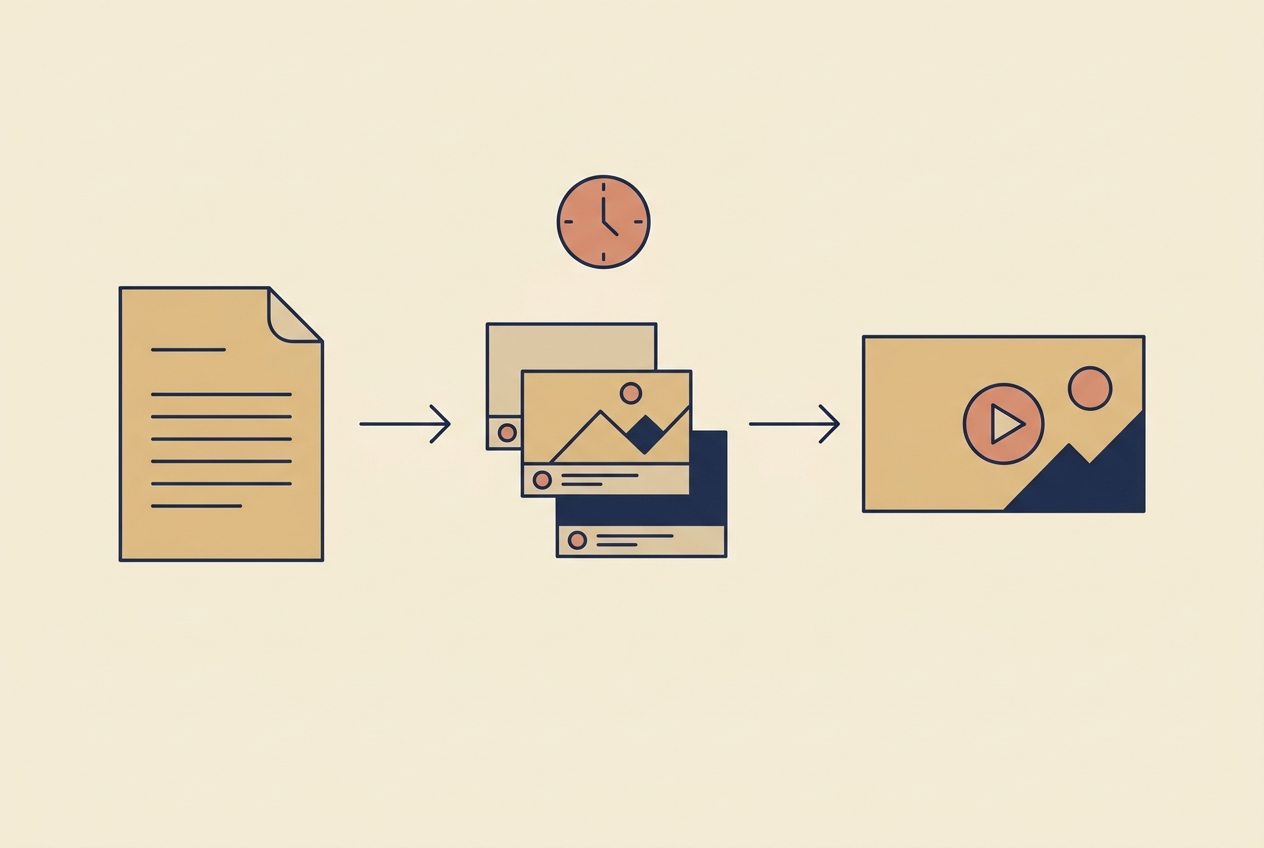
Flat vector illustration of a script page, a stack of shot cards and a finished video frame

LTX Studio in 2026: When a Storyboard Tool Beats a Better Model

LTX Studio is a production environment, not a shot generator. Here is the four-shot threshold where that structure starts paying, where it is pure overhead, and how the re-renders actually bill.

Read moreabout LTX Studio in 2026: When a Storyboard Tool Beats a Better Model