Guides

Flat vector illustration of a stopwatch, a stack of coins and a film strip connected by a line

AI Video API Pricing: What a Finished Clip Actually Costs
Per-second API rates are the easy part. Here's what a usable 15-second clip really costs once you count retries, audio and the renders you throw away — with the numbers from our own pipeline.

Read moreabout AI Video API Pricing: What a Finished Clip Actually Costs

Flat vector illustration comparing two AI video model tiers on a cream background

Seedance 2.5: The Real Credit Prices, and Whether to Switch

Seedance 2.5 costs 2.6x the mini tier for the same 15-second clip. Real credit prices pulled from API cost preflights, what 30-second and 1080p output actually cost, and the four cases where paying it is right.

Read moreabout Seedance 2.5: The Real Credit Prices, and Whether to Switch

Flat vector illustration of a video frame with a watermark badge being lifted off it

AI Video Generator With No Watermark: What's Actually Free in 2026

Which AI video tools export clean video on a free plan, which ones stamp you, and how to get a watermark-free clip out of a tool that normally brands it.

Read moreabout AI Video Generator With No Watermark: What's Actually Free in 2026

Flat vector illustration comparing two AI video models side by side

Veo 3.1 vs Kling 3.0: I Ran the Same Six Prompts Through Both
Same prompts, same reference frames, both models. Where Veo 3.1 wins (audio, prompt adherence, consistency), where Kling 3.0 wins (camera, physics, image-to-video), and how to choose per shot.

Read moreabout Veo 3.1 vs Kling 3.0: I Ran the Same Six Prompts Through Both

Flat vector illustration of a video timeline with b-roll clips cut between talking-head segments

AI B-Roll Generator: What Actually Works, and What It Costs
B-roll is the one job current video models are genuinely good at — if you keep clips under four seconds and the camera moving one way. Here is the workflow, the real cost, and the six things that still give generated b-roll away.

Read moreabout AI B-Roll Generator: What Actually Works, and What It Costs

Flat vector illustration of a shot list on the left turning into three generated video clips on the right

How to Create AI Videos: The Workflow I Use Every Day

Four minutes or four hours, and the difference is decided before you open the generator. Shot list first, start frame over description, four-part prompts, three attempts per shot, and the finishing that is most of the work.

Read moreabout How to Create AI Videos: The Workflow I Use Every Day

Flat vector illustration of two video frames side by side with motion arcs and camera paths

Seedance vs Kling: Which One Should You Actually Render With?
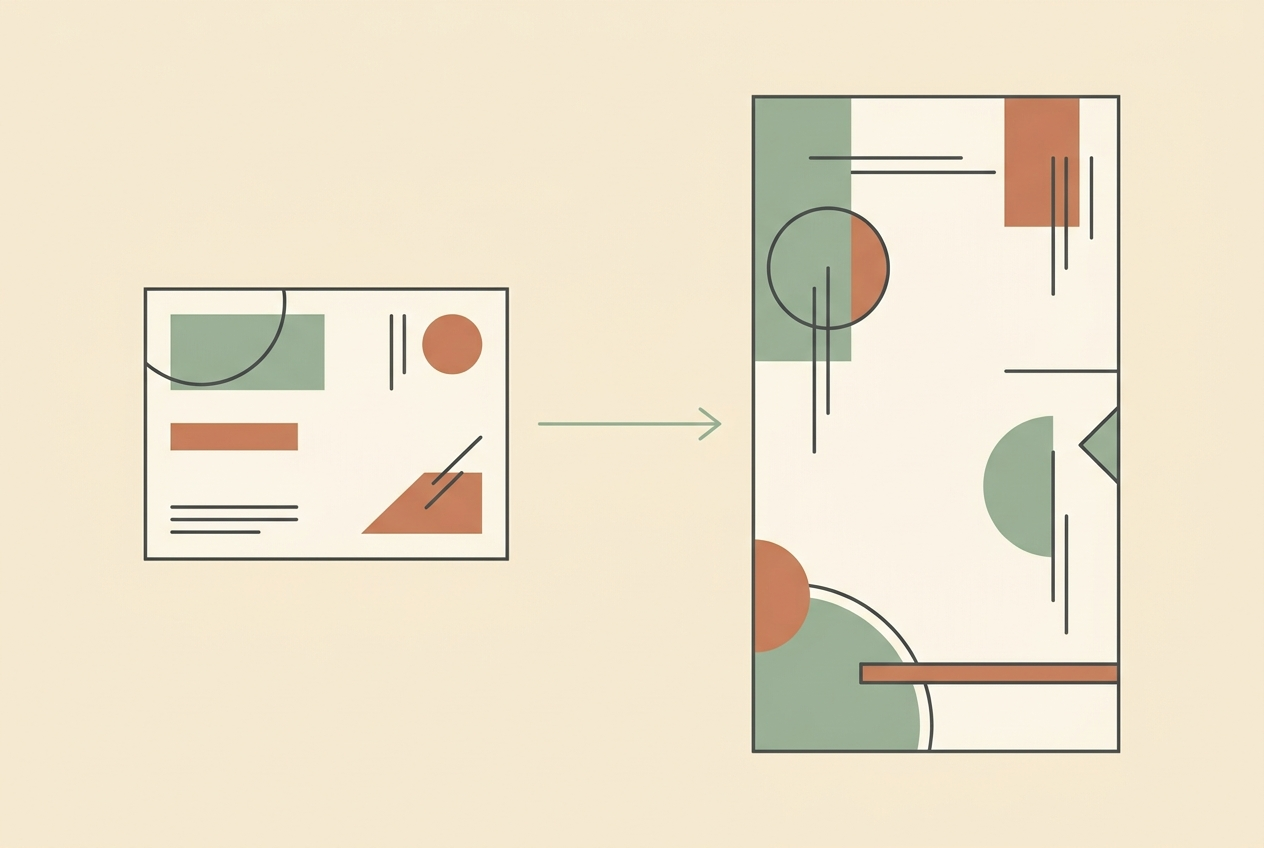
I render daily with Seedance and reach for Kling when a shot has to carry the piece. Here is the real split on cost, motion, vertical output and the two-line rule that picks one.

Read moreabout Seedance vs Kling: Which One Should You Actually Render With?

Flat vector illustration of a reference photo feeding into a vertical video frame

Nano Banana Pro: How I Use It for AI Video References
Nano Banana Pro is best used as a reference generator, not a frame generator. Match the aspect ratio, never generate a real product from prose, and cap it at three images per clip.

Read moreabout Nano Banana Pro: How I Use It for AI Video References

Flat vector illustration of five video player cards, one switched off and four glowing

Best Sora Alternatives in 2026: What I Actually Switched To

Sora's app is gone and the API shuts off on 24 September 2026. I moved a daily production pipeline off it and onto four other models. Here is what each one is genuinely good at, what it costs per clip, and where I landed.

Read moreabout Best Sora Alternatives in 2026: What I Actually Switched To