
Someone asked me last week how long it takes to create an AI video. The honest answer is four minutes or four hours, and the difference is entirely in what you decided before you opened the generator. Four minutes if you know the shot. Four hours if you are going to sit there re-rolling prompts hoping something good falls out.
This is the workflow I actually run, most days, across two brands. It is not the impressive version. It is the one that survives doing it again tomorrow.
Decide the shot before you open anything
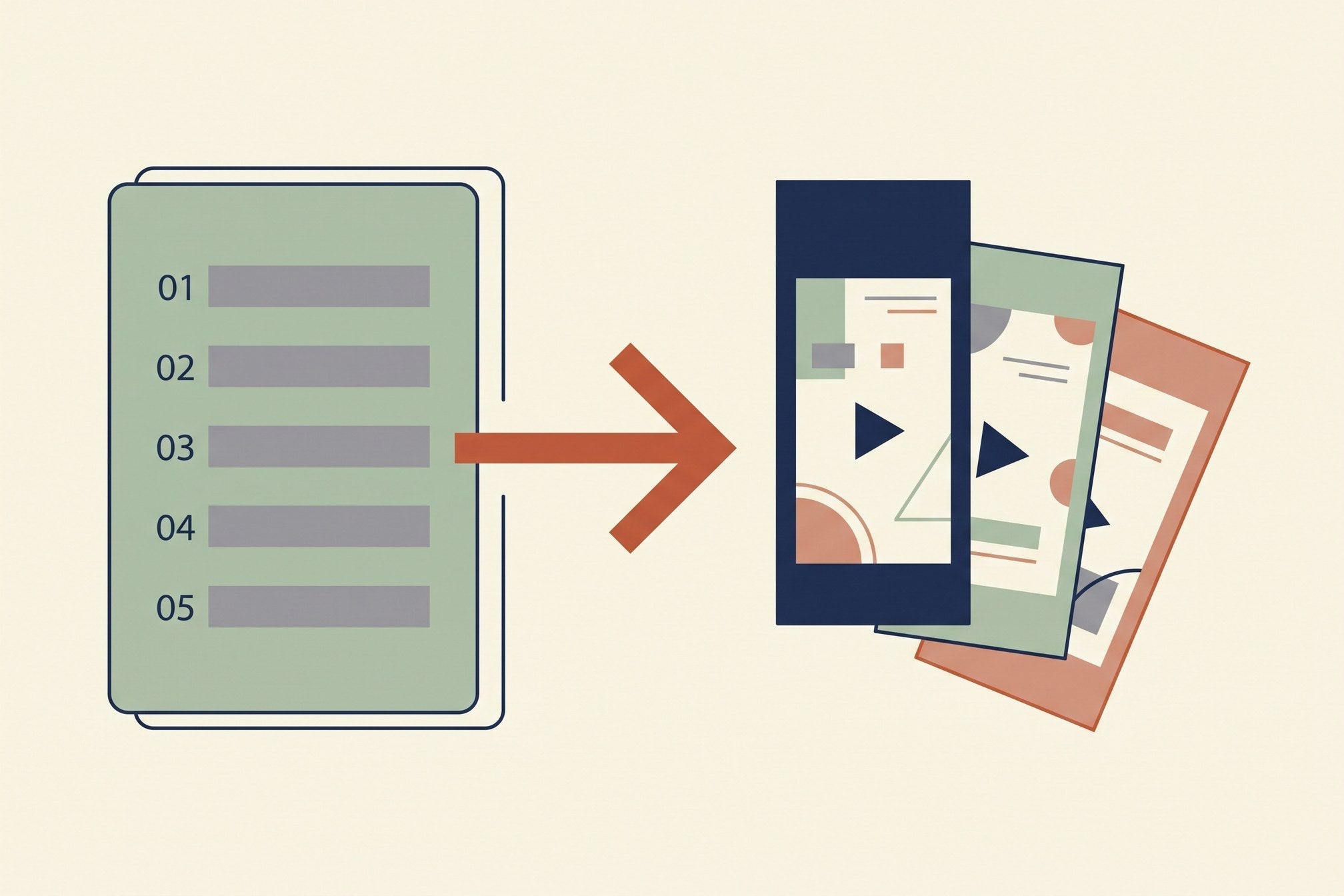
The single biggest time saver is writing the video down as a list of shots first, in plain sentences, with a length next to each one. Not a script, not a mood board — a list.
Three seconds, hands folding a knitted sweater on a wooden table. Two seconds, the sweater on a hanger by a window. Four seconds, someone walking away down a street wearing it.
That took twenty seconds to write and it removes the thing that actually eats the afternoon, which is deciding what you want while the tool is open in front of you. If a video needs more structure than a list — a story, a sequence with a turn in it — that is what an AI storyboard generator is for, and it is worth the extra ten minutes on anything longer than about thirty seconds.

Start from an image, not from a sentence
If the video involves anything specific — your product, a particular room, a person who has to look the same in the next clip — give the model a picture rather than a description.
A written description gets you something in the right category. A photo gets you the actual item. This is the difference between "a knitted beige sweater" and the sweater you sell, and no amount of adjectives closes that gap. Every generator worth using now takes a start frame; use it as the default rather than the special case.
Where you cannot supply an image, name the material. Wool, brushed steel, wet asphalt, linen. Materials are what these models render convincingly, and one named texture does more for realism than three sentences of composition.

Write the prompt in four parts, and stop
Subject, one camera move, lighting, one physical detail. That is the whole structure, and adding to it usually makes the clip worse.
"Close-up of hands folding a knitted sweater on a wooden table, slow push in, soft morning window light, wool fibres catching the light" lands most attempts. Add a second action — "then she picks up a cup" — and the hit rate falls off a cliff, because now the model has to get two things right plus the transition between them.
Two failure modes worth knowing before you waste renders on them. Text in frame is still the fastest tell at small sizes, so keep signage and labels out. And anything past about six seconds starts drifting: hands do things hands do not do, the room quietly rearranges itself. Generate the full length the tool insists on, then use the best four seconds.
Which generator, honestly
Less than people think, but there are real differences:
- Veo 3.1 — the best all-rounder right now, and the one I reach for when a clip has to carry the video. Costs are in our Veo 3 pricing breakdown.
- Kling 3.0 — the most cinematic motion, the best at physical weight, slower to return. Detail in our Kling guide.
- Seedance 2.0 — what our own production runs on, because the Mini variant renders free under the Higgsfield web app's Unlimited toggle at 720p. Covered in the Seedance guide.
- Runway — the most control if you want to direct rather than describe.
- HeyGen and Synthesia — a different job entirely: a person talking to camera, not a generated scene.
A note on what not to reach for: OpenAI retired Sora, so anything recommending it is out of date. If that is what you came looking for, the replacements are compared in our Sora alternatives guide.

Generate in threes, then pick
Never fix a bad clip. Generate three attempts of the same shot and choose between them.
Re-prompting to repair a specific flaw almost never works — you change the wording, the model changes something else, and forty minutes disappear. Three parallel attempts cost the same as three sequential repairs and one of them is usually fine. Budget three renders per usable clip and the whole schedule becomes predictable.
When clips have to feel like the same world, the trap is assuming the model remembers. It does not: the same room is not the same room twice. Reuse the start frame and keep the lighting words identical across the set — our notes on keeping characters consistent apply to sets just as much as to faces.
Finish it, which is where most of the work is
The generation is maybe fifteen percent of the video. The rest:
- Cut every clip a beat shorter than feels comfortable. A short clip reads as a choice; the same clip held two seconds longer reads as AI.
- Grade generated footage down. It comes back warmer and more contrasty than camera footage and pops out of a real timeline.
- Add captions. Most viewers are on mute, and this matters more than the model.
- Set the AI disclosure toggle per platform — it is a setting on the upload, not a line in your caption. See our guide to AI video disclosure rules.
If you want the beginner-level version of this end to end, with less opinion in it, start with how to make AI videos and come back here for the workflow.
Common questions
How long does it take to create an AI video?
A single short clip, a few minutes. A finished thirty-second vertical video with captions and music, about an hour once your format is settled — and most of that hour is editing, not generating.
Can I create AI videos for free?
Yes, at 720p, which is what short-form platforms serve anyway. Our whole daily output runs on a free path. The catalogue is in free and unlimited AI video generators.
Do I need a script?
You need a shot list. A script only if someone speaks. The list is the part that saves the time.
Why does my video look worse than the demo reels?
Usually resolution and grading, not the model. Demos are 1080p or 4K, graded, and cut to two seconds. Match the grade before blaming the generator.
How do I keep the same character across clips?
Reuse a start frame rather than re-describing the person, and keep lighting wording identical between shots. Descriptions drift; images do not.
What length should each clip be?
Two to four seconds. It is what an edit wants and what current models hold without wandering.
Where to go next
Almost everything that makes generated video look bad is decided before the render: too long, two actions, no start frame, no grade afterwards. Fix those four and the choice of tool becomes the least interesting decision you make.
Looking for something else? Browse all AI video guides in one list.
Join the AI Video Generator community on Skool and bring the clip that will not come out right.
Share:
The AI Video Side Hustle: What It Pays, and What It Doesn't
AI B-Roll Generator: What Actually Works, and What It Costs