
Nano Banana Pro is Google's image model, and if you only know it from the meme name you have probably missed the thing that actually matters: it is currently the most reliable way to build a reference image for an AI video shot. Not the finished frame — the reference. That distinction is most of this article.
I generate reference images with it every single day for a production schedule that ships clips across six brand accounts. So this is not a feature list. It is what the model is good at, where it quietly wastes your money, and the exact way I wire it into a video pipeline.
What Nano Banana Pro actually is
It is a text-to-image and image-editing model, and the two capabilities matter in different ways. Text-to-image gets you a subject that did not exist. Image editing — feeding it a photo and changing one attribute — is the one that keeps a character or a product consistent across a batch of shots.
The Pro version's real advantage over the standard model is that it holds detail under instruction. If you say "same jacket, same collar, different street", you tend to get the same jacket. That sounds small. It is the entire difference between a usable reference sheet and twelve pictures of twelve different jackets.
It renders legible text far better than most image models too, which matters more than people expect: a brand name on a physical object inside the shot survives the video render, while an overlay does not.

Generate the reference in the format you will deliver in
This is the single change that improved my hit rate most, and it costs nothing.
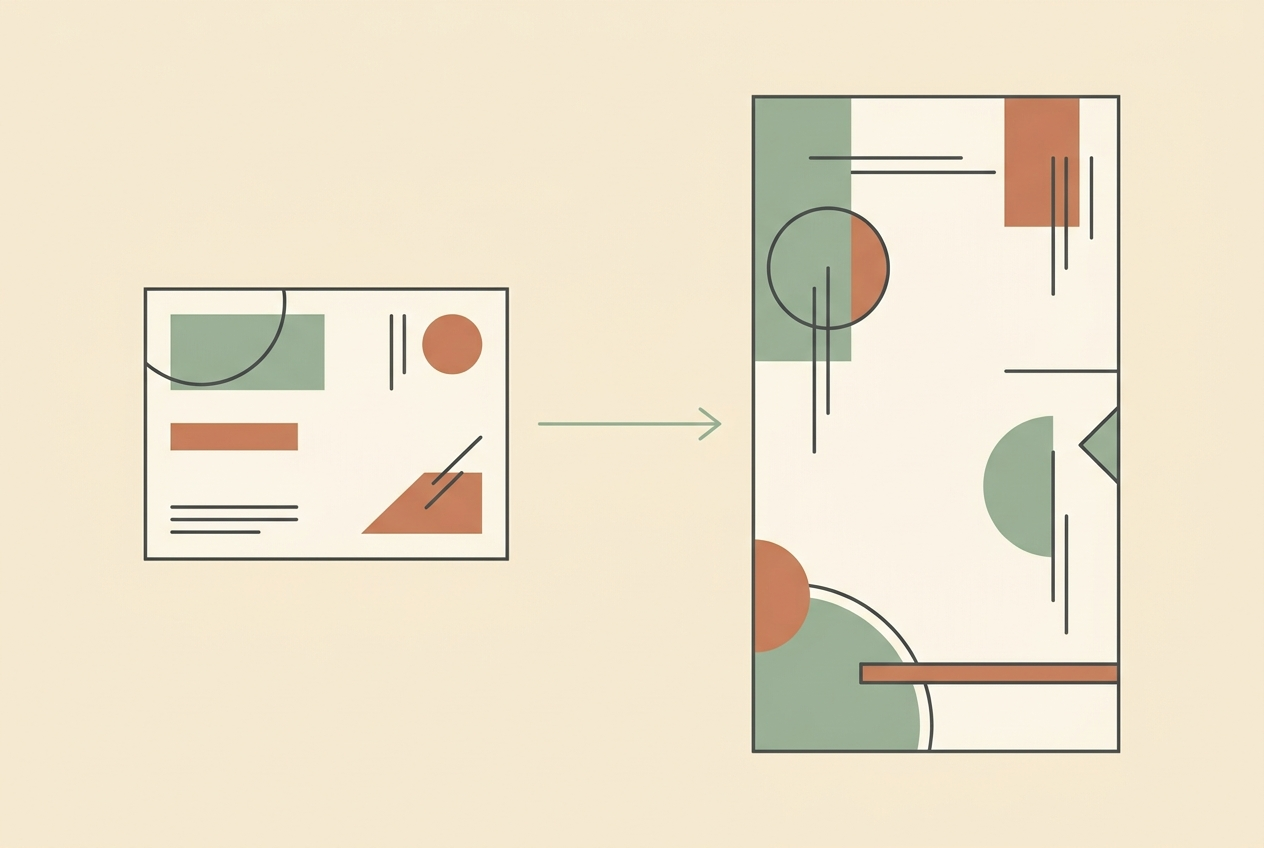
Almost everything I make is vertical — 9:16, for Reels, Shorts and TikTok. For a long time I generated square or landscape references because that is the default, then fed them to a video model that had to invent the top and bottom of the frame. The model guessed, and it guessed differently every time.
Generate the reference at 9:16 and the video model is no longer improvising the parts of the frame you care about. Same prompt, same model, materially better output — purely because the aspect ratio matched the deliverable.
The corollary: 2K is enough for a reference. I only spend on 4K when the image is the deliverable itself, which for a video pipeline it almost never is. A 2K vertical reference feeding a 720p render is not the bottleneck.

Never generate a real product from prose
Here is the mistake that costs actual money, and I have made it.
If the shot contains something real — a product you sell, a garment, a specific object — you must generate it from its own original photograph, passed in as a reference image. Never from a written description, however careful the description is.
Describe a dress in words and the model will give you a beautiful dress. It will not be your dress. The neckline drifts, the print changes, the sleeve length moves. Ship that and you are advertising something that does not exist, which is a returns problem and a trust problem at the same time.
The workflow that survives contact with reality:
- Find the original photo first. Product media, then your file library, then the source CDN. No original, no generation — go and get the photo.
- Change one attribute at a time. Asked to fix a neckline, fix the neckline. Do not also "improve" the print.
- Diff before you ship. Crop the neckline and sleeve region of the output and the original, put them side by side, and actually look. Attractive is not the bar; identical is.
Wiring it into a video pipeline
The reference image is an input, not an output. In practice that means:
Generate two or three references per clip — no more. On a paid tier I cap it at three images per video, which for a batch of three clips is nine images. Past that you are iterating on a still frame instead of testing the actual motion, and motion is where clips fail.
Pick the reference that shows the exact detail your script mentions. If the voiceover says "the collar", the reference had better show the collar. A gorgeous wide shot is useless if the proof beat is about a button.
Then feed it as an image reference to the video model. I run Seedance 2.0 Mini for volume work at 9:16 and 720p, because the per-clip cost is what makes a daily schedule survivable. The reference does the heavy lifting on consistency; the video prompt handles camera and action. If character consistency across a whole series is your problem, that is a slightly different technique — I wrote it up in consistent AI video characters.
One trap worth naming: writing a reference handle into a prompt does nothing on its own. If your tool uses named elements, the element has to be selected and bound in the picker. An unbound handle is just text, and the model will happily invent its own character instead. Check that it is bound before you spend the render.

Where it is weak
Hands and faces still need retries — fewer than a year ago, but budget for two or three attempts on any close-up with visible fingers.
Negatives lose to strong priors. Telling it "no chairs" in a scene that obviously wants chairs is unreliable; describing the room in a way that leaves no function for a chair works far better. The general rule: remove the reason for the thing, do not just forbid the thing.
And it will drift across a long session. If you are five edits deep and the output is quietly diverging from the original, start over from the source photo rather than editing the edit.
The short answer
Use Nano Banana Pro as a reference generator, not a frame generator. Match the reference aspect ratio to your delivery format — 9:16 if you ship vertical. Stay on 2K unless the image itself is the product. Generate anything real from its own photo, never from prose, and diff the result before it goes anywhere. Cap it at three references per clip and spend the rest of your effort on motion.
Getting this pipeline right is mostly a matter of knowing which step to stop optimising, and that is a lot faster when someone has already burned the credits finding out. That is what the community is for — current prompts, real cost numbers, and what is actually holding up this month. Join the AI Video Generator community on Skool.
Looking for something else? Browse all 72 AI video guides in one list.
If you would rather skip the pipeline entirely and have the finished clip delivered, we also make them to order — see Custom AI Generated Video.
Share:
PixVerse Pricing in 2026: What a Credit Actually Renders
Free Unlimited AI Video Generation: What's Actually Unlimited