
Guides

Flat vector illustration comparing two AI video models side by side

Veo 3.1 vs Kling 3.0: I Ran the Same Six Prompts Through Both

Same prompts, same reference frames, both models. Where Veo 3.1 wins (audio, prompt adherence, consistency), where Kling 3.0 wins (camera, physics, image-to-video), and how to choose per shot.

Read moreabout Veo 3.1 vs Kling 3.0: I Ran the Same Six Prompts Through Both

Flat vector illustration of a person at a laptop creating a vertical AI video for a professional feed

AI Video Generator for LinkedIn: Format, Captions and What Actually Lands
LinkedIn rewards the opposite of TikTok: slower openings, 30-60 seconds, square framing and captions that carry the whole message. Here is the workflow.

Read moreabout AI Video Generator for LinkedIn: Format, Captions and What Actually Lands

Flat vector illustration of a vertical phone frame with a lower third caption bar over a video

AI Subtitle Generator: Why Burned-In Captions Break, and How to Stop It
Auto-captioning is solved right up until you burn the text into the pixels. Here is the word-timing workflow, the two-row rule, the safe areas each platform actually covers, and what breaks the moment you translate.

Read moreabout AI Subtitle Generator: Why Burned-In Captions Break, and How to Stop It

Flat vector illustration of a microphone and a waveform flowing into a video timeline

AI Voiceover Generator: The Part of AI Video Nobody Budgets For
Voice is the cheapest part of an AI video until you post every day. Here is what a voiceover actually costs at scale, why character quotas run out before render credits do, and the mixing rule that decides whether anyone hears it.

Read moreabout AI Voiceover Generator: The Part of AI Video Nobody Budgets For

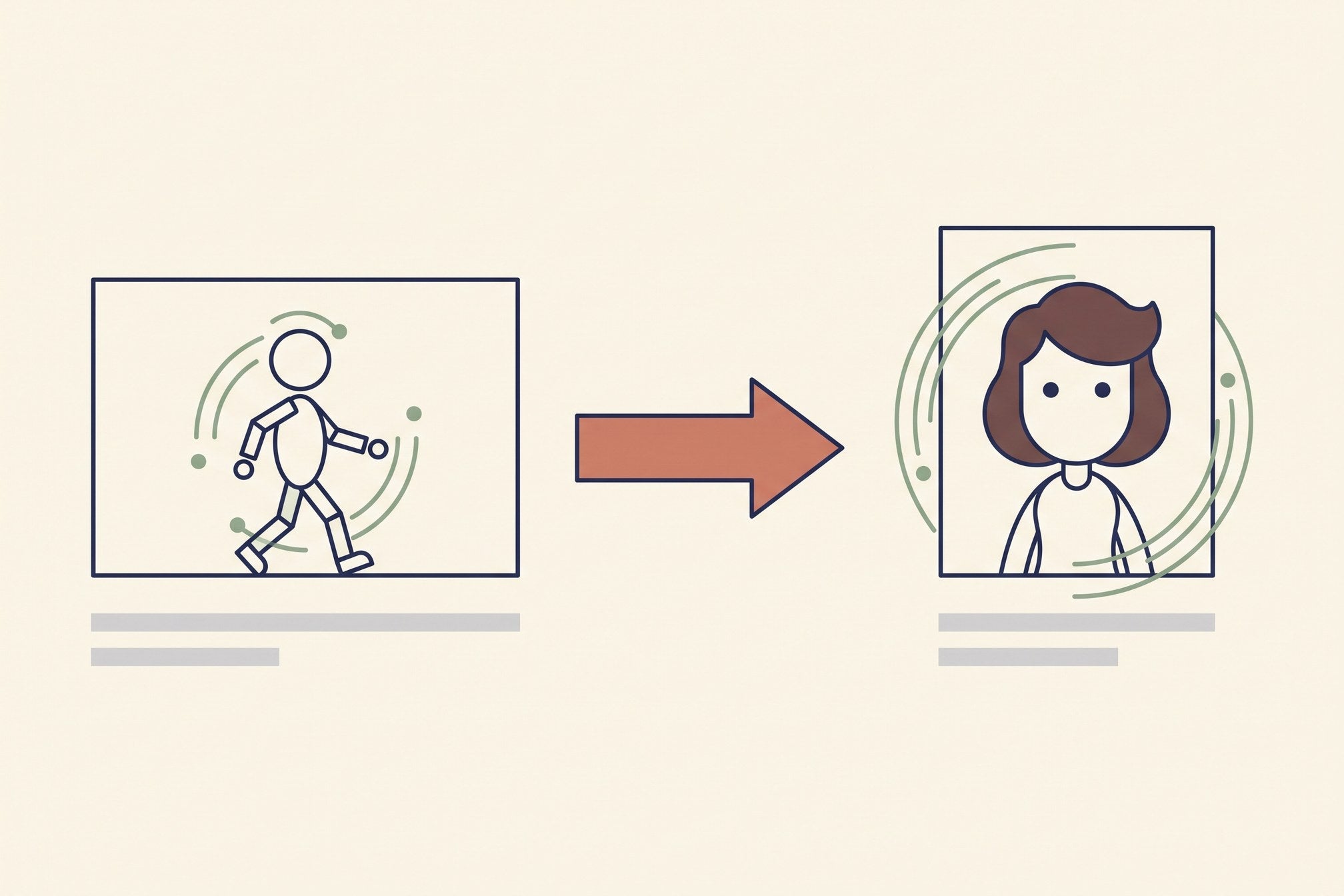
Flat vector diagram showing motion transferred from a driving video onto a still image

Motion Control AI Video: Transferring Movement Instead of Describing It
Motion control hands the model a video that already moves right instead of a paragraph describing it. What it does well, the three constraints that fail silently, and what a finished clip really costs.

Read moreabout Motion Control AI Video: Transferring Movement Instead of Describing It

Flat vector illustration of a video timeline with b-roll clips cut between talking-head segments

AI B-Roll Generator: What Actually Works, and What It Costs
B-roll is the one job current video models are genuinely good at — if you keep clips under four seconds and the camera moving one way. Here is the workflow, the real cost, and the six things that still give generated b-roll away.

Read moreabout AI B-Roll Generator: What Actually Works, and What It Costs

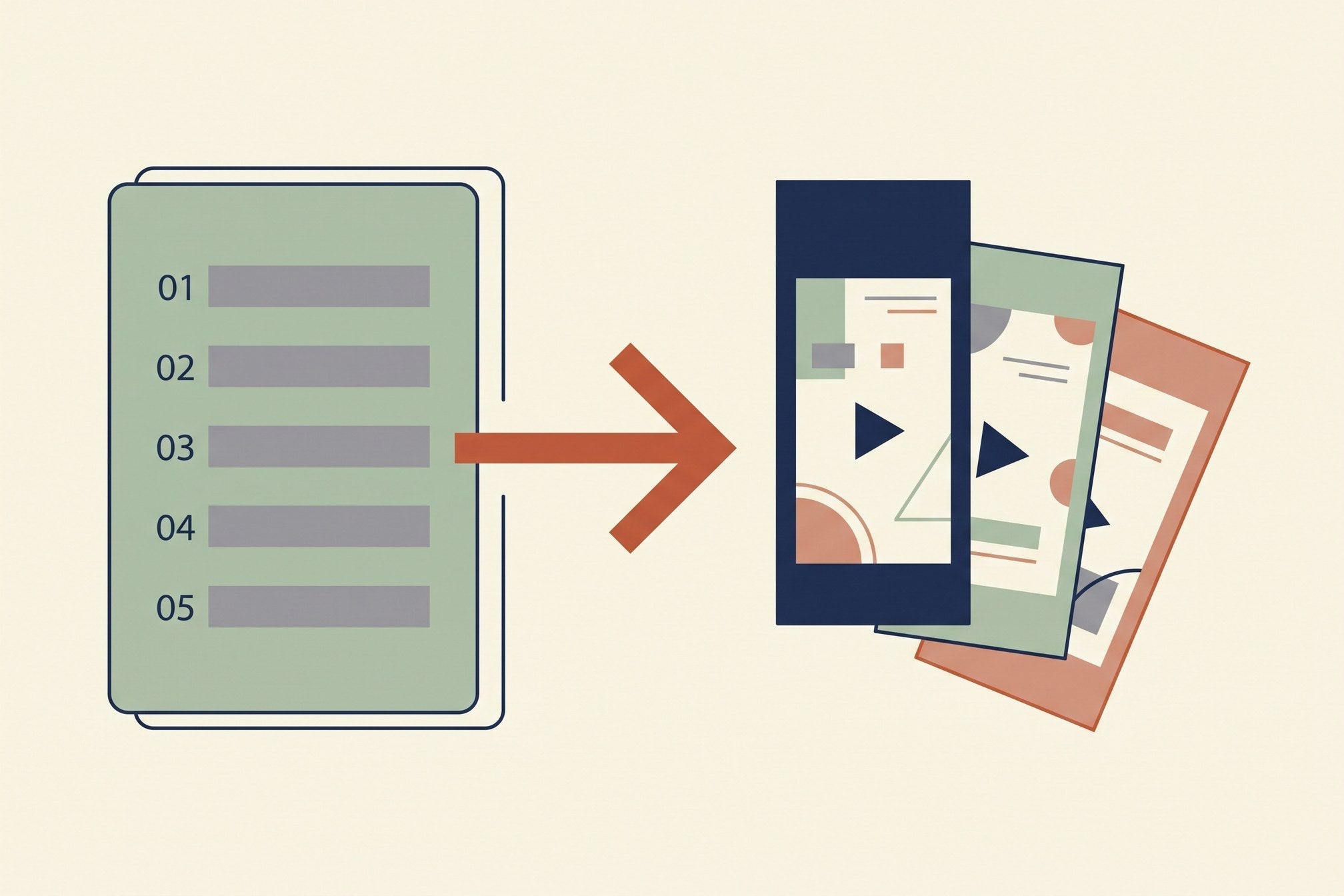
Flat vector illustration of a shot list on the left turning into three generated video clips on the right

How to Create AI Videos: The Workflow I Use Every Day

Four minutes or four hours, and the difference is decided before you open the generator. Shot list first, start frame over description, four-part prompts, three attempts per shot, and the finishing that is most of the work.

Read moreabout How to Create AI Videos: The Workflow I Use Every Day

Flat vector illustration of a person editing short vertical videos at a desk beside a rising income chart

The AI Video Side Hustle: What It Pays, and What It Doesn't

Generation is not the bottleneck and it is not the cost. Real rates for client work, UGC ads and faceless channels, the route I would take from a standing start, and the four places the money leaks.

Read moreabout The AI Video Side Hustle: What It Pays, and What It Doesn't

Flat vector illustration of a pricing table with a stopwatch and a stack of credit coins

Runway AI Pricing in 2026: The Per-Second Cost Nobody Prints

Runway's plans run $0 to $95 a month, but the number that decides anything is dollars per second of video — and it swings 5x between tiers. Here is the arithmetic, and which plan is actually cheapest for how much you render.

Read moreabout Runway AI Pricing in 2026: The Per-Second Cost Nobody Prints