
Guides

Flat vector illustration of a coach at a home office desk with a laptop and a phone on a small tripod

AI Video Generator for Coaches: Daily Clips That Bring Clients In

Five AI video formats that work for coaches, a weekly production rhythm, real costs and numbers from a paid community, and what to keep on camera yourself.

Read moreabout AI Video Generator for Coaches: Daily Clips That Bring Clients In

Flat vector illustration comparing 9:16, 1:1 and 16:9 video frames in cream and terracotta tones

AI Video Aspect Ratios: What to Generate for Each Platform in 2026
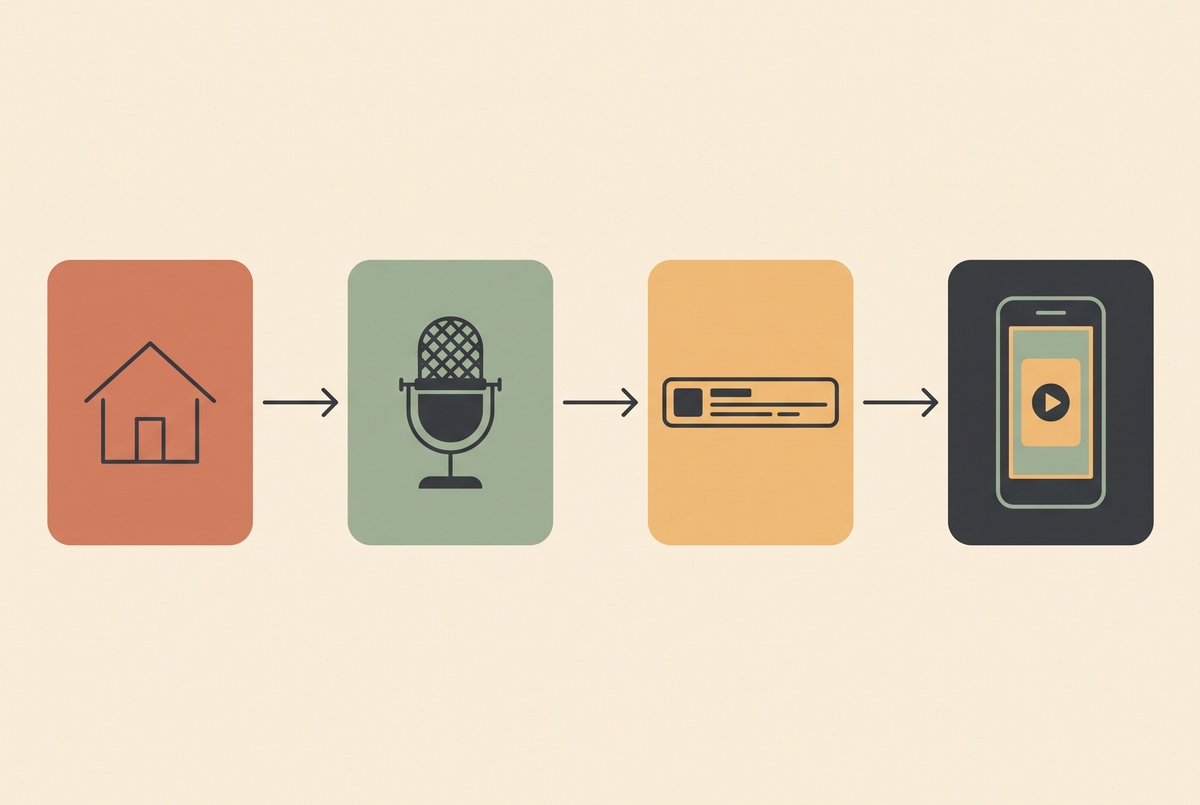
Generate in the ratio you'll publish in. Here's the ratio each platform actually wants, why cropping afterwards costs you more than it saves, and the safe-area numbers I use.

Read moreabout AI Video Aspect Ratios: What to Generate for Each Platform in 2026

Flat vector illustration of a property listing video pipeline in cream and terracotta tones

AI Video Generator for Real Estate: What Actually Works in 2026
Which parts of a property listing AI video can actually do, which parts it still ruins, and the pipeline I'd use if I were shooting listings this week.

Read moreabout AI Video Generator for Real Estate: What Actually Works in 2026

Flat vector illustration of a video timeline marked at fifteen seconds across four platform icons

How Long Should an AI Video Be? 1,367 Posts Later
I counted 1,367 published posts from 460 generated clips to work out the right length. The answer is 15 seconds — and the reason has nothing to do with attention spans.

Read moreabout How Long Should an AI Video Be? 1,367 Posts Later

Flat vector illustration of a vertical phone frame with a lower third caption bar over a video

AI Subtitle Generator: Why Burned-In Captions Break, and How to Stop It
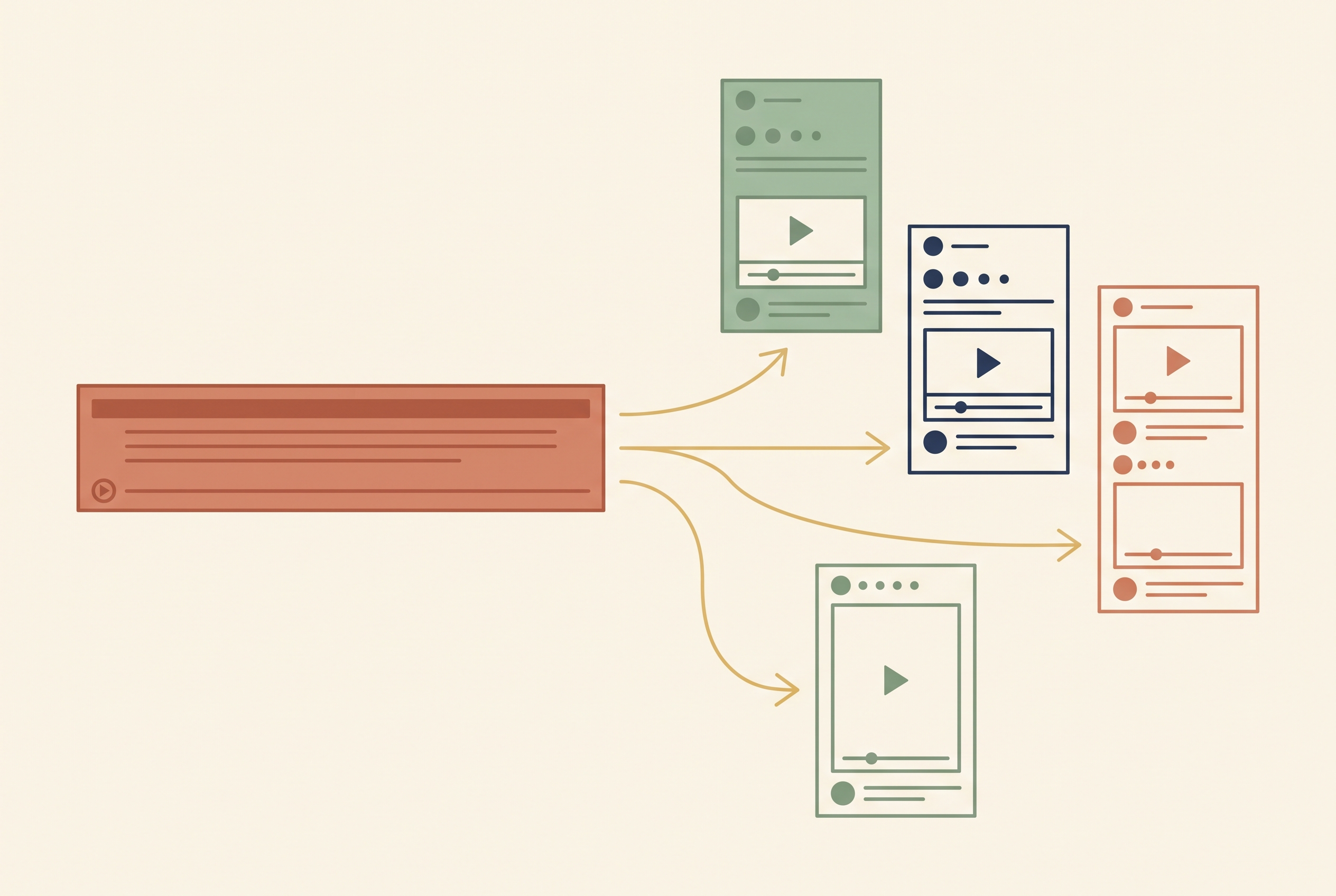
Auto-captioning is solved right up until you burn the text into the pixels. Here is the word-timing workflow, the two-row rule, the safe areas each platform actually covers, and what breaks the moment you translate.

Read moreabout AI Subtitle Generator: Why Burned-In Captions Break, and How to Stop It

Flat vector diagram of one long video being split into three vertical short clips

Opus Clip Pricing in 2026: What Each Tier Actually Gets You

Opus Clip runs $0, $15 and $29 a month. The tier you need is decided by two things nobody puts in the comparison table: the watermark and the storage clock.

Read moreabout Opus Clip Pricing in 2026: What Each Tier Actually Gets You

Flat illustration of two video frames linked by an arrow with the same character in both and a timeline below

Seedance AI: The Prompt Structure That Fixed My Hit Rate (2026)

Several hundred Seedance prompts across two brands. The four-part prompt shape that took me from one usable clip in five to three in four, why start frames beat text prompts, and where the model still breaks.

Read moreabout Seedance AI: The Prompt Structure That Fixed My Hit Rate (2026)

Flat illustration of a laptop video timeline with a text prompt card flowing into a play button

AI Video Maker: What Actually Works in 2026 (From 400+ Generations)

Four hundred generations across two brands I actually pay for. What an AI video maker is genuinely good at, the working order that stopped wasting credits, and why the scrappy clip returned 3.3 where the cinematic one returned 0.9.

Read moreabout AI Video Maker: What Actually Works in 2026 (From 400+ Generations)