
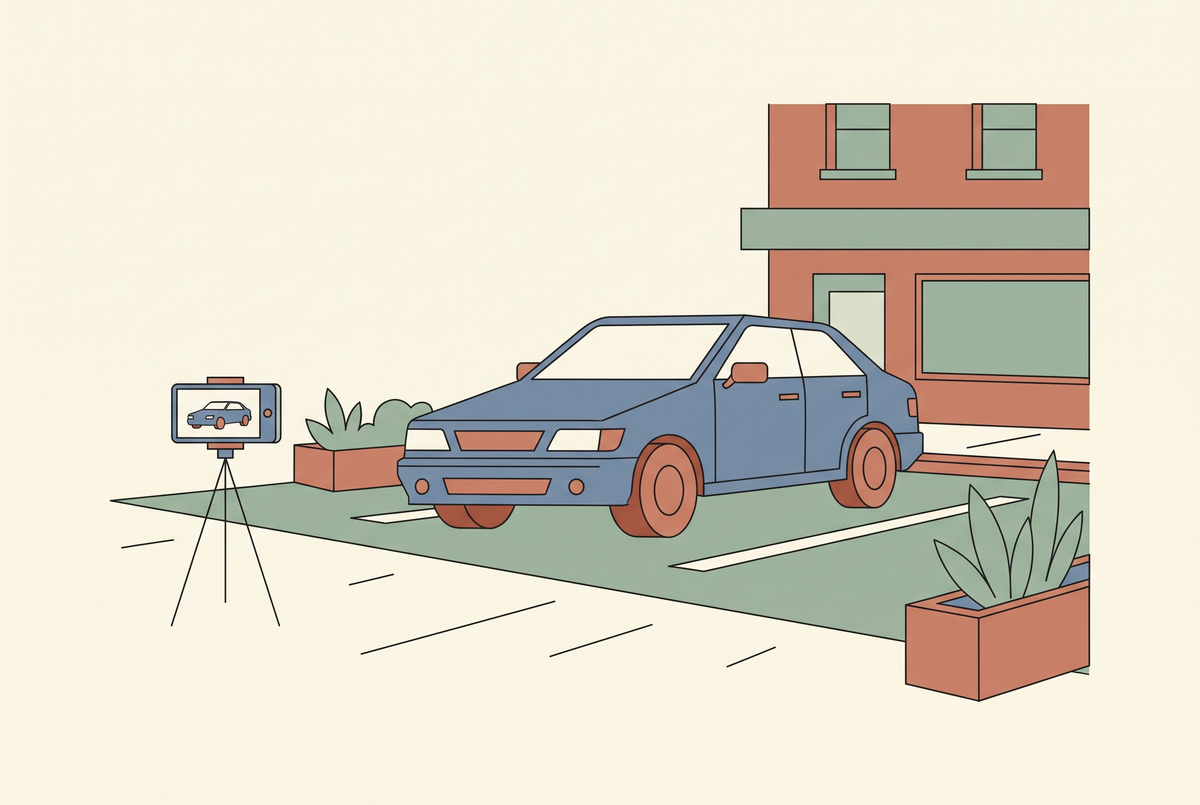
The first time I tried to generate a car video, I fed a clean photo of a silver estate into a text-to-video model and asked for a slow orbit around it. What came back was gorgeous and completely useless. The badge on the grille had turned into a smear. The rear door had five window pillars. Somewhere around the two-second mark a wheel gained an extra spoke and then lost it again.
That's the honest starting point for any dealership thinking about this. AI video is genuinely useful on a lot — just not for the shot you probably imagined first.

The limits, up front
A car is one of the hardest possible subjects for a generative model, and it's worth understanding why before you spend a week finding out.
Cars are rigid, symmetrical, reflective and extremely familiar. Every viewer has looked at thousands of them. When a model hallucinates a slightly wrong panel gap on a sofa, nobody notices. When it does the same to a Golf, the guy who owns a Golf notices instantly — and he's your customer.
Badges and text are the worst of it. Current models still cannot hold a wordmark steady across frames. Any shot that lingers on a grille, a boot lid or an alloy centre cap will produce something that looks like a badge from a parallel universe. Same for number plates, which you want blurred anyway.
So here's the rule I settled on: never generate the car itself when the car is the subject of the shot. Film the car. Generate everything around it.
What actually works
Once you stop asking the model to invent vehicles, the useful applications show up quickly.
Motion on a still photo. This is the big one. You already have hundreds of high-quality stills from your listing photographer. Image-to-video takes one of those and adds a slow push-in, a gentle parallax drift, a light sweep across the paint. The car stays exactly as photographed because the model is animating your pixels rather than dreaming up new ones. I go into the mechanics of this in the guide on image-to-video AI.
B-roll and atmosphere. Empty road at golden hour, rain on tarmac, a motorway seen from a bridge, a family walking towards a front door. None of these contain your car, all of them make a fifteen-second ad feel produced rather than assembled. The AI B-roll guide covers how I brief these.
Presenter segments. An avatar delivering the finance explainer, the part-exchange process, the warranty terms. Nobody needs to see your sales manager for that, and re-recording it every time the APR changes is a waste of an afternoon. Spokesperson generators handle it well.
Volume variations. One real walkaround becomes twelve posts with different hooks, different opening three seconds, different music, different aspect ratios. This is where the actual return sits for most dealerships, and it's covered in batch generation.

The workflow I'd use on a lot
Concretely, for a single used car:
- Shoot the real walkaround once. Phone, gimbal or just steady hands, ninety seconds, natural light. This is your source of truth and the only footage where the car is the subject.
- Pull your stills. The listing photos you already have. Six to eight good angles is plenty.
- Animate three or four stills with image-to-video. Short, four to six seconds each, subtle motion only. Big camera moves are where artefacts creep in.
- Generate two or three B-roll clips that carry the mood — the road, the weather, the destination. No vehicles in frame, or only distant ones.
- Cut a vertical edit that opens on real footage, uses the animated stills as texture in the middle, and closes on the price and the call to action.
- Re-cut it five more ways with different hooks for different platforms.
The ratio that matters: roughly a fifth of the finished video is generated, and it's the fifth that would otherwise have cost you a location shoot.

Cost, realistically
Generated clips are priced in credits, and credits vary wildly between tools. A five-second clip at decent quality lands somewhere between a few cents and a couple of dollars depending on the model and resolution you pick. For a dealership, the per-car maths is what matters: three animated stills plus two B-roll clips is five generations, and even at the expensive end that is a rounding error against the cost of the car sitting unsold for another fortnight.
Where it stops being trivial is at scale. Two hundred cars in stock, six clips each, refreshed monthly — now you are buying credits seriously and the difference between tools is real money. I broke down the per-clip arithmetic in what an AI video actually costs.
Disclosure, and why you should care more than most
Automotive advertising is regulated more tightly than almost anything else you can post. If a generated clip implies a feature the car doesn't have — a panoramic roof that isn't there, a trim level you're not selling — that is a misdescription, not a creative flourish.
Keep generated content to atmosphere and motion, never to specification. Label AI content where the platform asks for it; both Meta and TikTok have their own toggles, and the rules are summarised in the disclosure guide. And keep the real walkaround in the edit — it is what makes the whole thing credible.
Which tools to look at
For image-to-video on a still, Kling and Seedance both hold a rigid subject better than most; Veo is stronger on the atmospheric B-roll. For the presenter segments, HeyGen or Synthesia. If you want to compare them properly, Runway vs Veo 3 and Seedance vs Kling are the two comparisons worth reading first.
Don't buy an annual plan on day one. Run twenty cars through a monthly plan, count how many of the generated clips actually made it into a published edit, and let that number choose your tier.
The honest summary
AI video will not replace your walkaround, and any tool that tells you it will is selling you a demo rather than a workflow. What it does do is turn one shoot into a month of content, fill in the expensive establishing shots you were never going to film, and let you test six hooks instead of guessing at one.
For a dealership posting a handful of times a week, that is the whole business case — and it holds up on a lot, which is more than most AI claims manage.
Looking for something else? Browse all 124 AI video guides in one list.
If you want to see the workflows in practice and ask questions as you build yours, come and join us in the AI Video Generator Skool community — that's where I post the prompts, the settings and the failures.
Share:
AI Video Batch Generation: How I Ship 21 Clips a Day From 3 Renders
Adobe Firefly Video Pricing: What You Get for Your Credits