
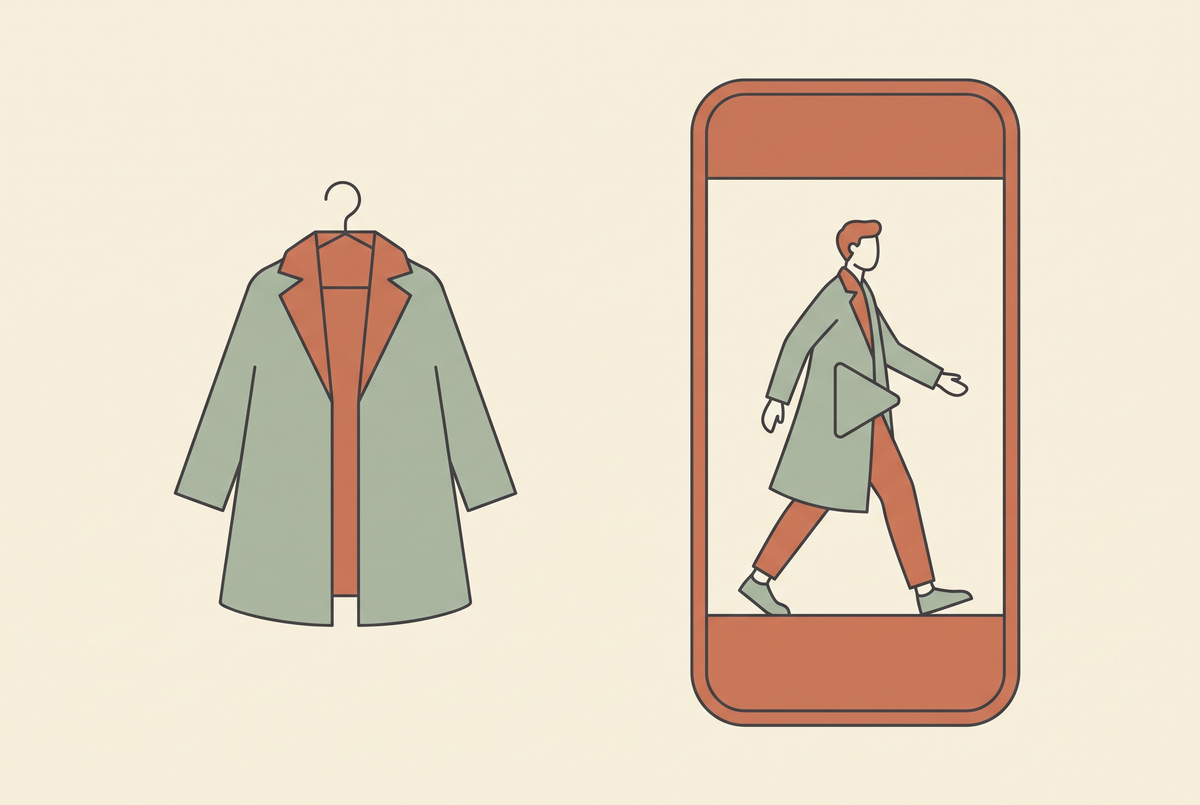
Clothing is the hardest category to generate video for, and it is the one I have the most data on. I run a fashion store where every clip is generated — 169 orders across 59 distinct products in the last 90 days, three videos a day, every day, on four platforms plus six country accounts.
The difficulty is specific. Nobody returns a phone case because the drape was wrong. With a garment, the customer is trying to judge fit, weight, colour and how the fabric moves — from a screen, before they can touch it. A video that gets that wrong does not just fail to sell; it sells and then comes back.
Movement is the whole point
A still photo already shows the garment. If your video does not show something a photo cannot, it has no reason to exist.
What a photo cannot show is how the fabric behaves. How a knit falls when someone turns. How a coat swings when they walk. How much a skirt actually moves. That is the information the customer is missing, and it is the information that closes the gap between interest and purchase.
So the clip should be built around motion of the garment, not motion of the camera. A dramatic camera orbit around a static garment looks expensive and communicates nothing. Someone walking, turning, or pulling a sleeve down communicates everything.
My most reliable structure is a wide opening that establishes the silhouette, then two or three tight shots on the details that identify the garment — the collar, the knit texture, the hem — then back out. Texture close-ups punch far above their weight for knitwear and outerwear specifically, where material is the product.
Generate from the garment's own photo
This is non-negotiable and it is where most clothing video goes wrong.
If you describe a garment in a text prompt and let the model imagine it, you will get a beautiful video of a different garment. A slightly different neckline. Three buttons instead of five. A print that is close but not yours. The customer clicks, sees the real thing, and either bounces or buys and returns.
Always generate from the actual photo of the actual colourway you are advertising. And check the result before it ships — specifically the regions that identify the garment. I compare the neckline and sleeve area of the generated frames against the source photo every time. If the model has quietly redesigned the collar, the clip does not go out.
The same rule applies to colour. Generated video drifts warm, and a beige coat that renders slightly pink is a return waiting to happen. Compare against the source side by side rather than trusting an automated colour check — the automated ones are unreliable on pale garments.

Show the hem, and show the size range
Two details that changed my numbers more than any creative choice.
Start on a frame that includes the hem. Length is the single most common reason a garment disappoints. If the first frame crops the garment, the viewer builds their own assumption about where it ends, and their assumption is usually wrong. Show the full length early.
Say the size range and the colours out loud. A one-line on-screen card — the colours available, the sizes it runs to — removes the most common reason people scroll past something they liked. It costs two seconds and it answers the question they were about to not bother asking.
What should not be on screen is the price. Text burned into a video cannot be edited after it publishes, and prices change with sales, seasons and landed costs. The price belongs on the product page; the caption's job is to get them there with the actual product URL, not the homepage.
Fit the season, not the calendar
Fashion is the category where timing beats craft. A well-made video for the wrong season underperforms a mediocre one for the right season, every time.
And the season leads the weather. Autumn outerwear starts selling while it is still warm, because people buy for the weather they are anticipating. In my own store the shift is visible in the order data weeks before it is visible outside — coats, knits and boots start moving while the summer dresses are still the bestsellers on paper.
Which means the useful signal is not what has sold most this quarter. It is what has started selling this fortnight. I look at a rolling two-week window against the ninety-day one, and when a category starts appearing in the short window that was not there before, that is where the next batch of videos goes.
When something sells twice, make more of it
The rule I would keep above all the others: a product that has sold more than twice gets more videos, not fewer.
The instinct is the opposite — it already has an ad, move on to something that does not. That instinct has cost me more than any other. A garment with proven demand and a single video is the most underexploited asset in the catalogue.
Make the variants properly different, though, or you are just running the same ad twice. Change the opening line. Change the occasion — work, evening, weekend, travel. Change the format between a talking clip, a texture-first faceless clip, and the garment simply in motion. Change the colourway. Change the setting and the season it implies. Five genuinely different angles on a proven seller will beat five videos for five unproven products.

Put the video where the decision happens
Two integration points that cost nothing extra and get skipped constantly.
Add the clip to the product page as the second media item, straight after the main image. You already made the asset. The product page is where the customer is actually deciding, and a fifteen-second clip of the garment moving answers the question a gallery of stills cannot.
Use a generated lifestyle still as the first product image. A frame that worked as a video thumbnail usually beats a supplier flat-lay as a hero. One catch on most themes: you have to attach the image to the first variant as well as reordering the gallery, because the gallery jumps to the selected variant's image — reordering alone silently does nothing.
Volume, then judgement
I cannot predict which clip will work. Neither can you, and the sooner that is accepted the faster the whole thing gets.
Three good clips a day across your platforms produces winners reliably; you just do not choose which ones. Cap it at three per platform per day — beyond that the extra posts eat the earlier ones. Schedule rather than publish live, spread the times, and keep a buffer of finished clips so one bad render day does not leave you dark.
Then judge on thirty clips, not one. With garments the feedback is unusually good, because you can tie a sale to a product and a product to a video. Use it: let the order data pick next week's subjects, and let the clips you are proud of but that sold nothing quietly go.
If you are working out the model and settings side, AI product video generator and image to video AI cover the parts this guide assumes.
Looking for something else? Browse all AI video guides in one list.
Looking for something else? Browse all 110 AI video guides in one list.
If you run a clothing brand and want the pipeline side worked out — generation, checks, scheduling, country accounts — that is exactly what we do together. Join the AI Video Generator community on Skool and bring your store.
Share:
AI Video Generator for Dropshipping: What Works in 2026
Text on AI Video: Overlay Rules That Survive Publishing