
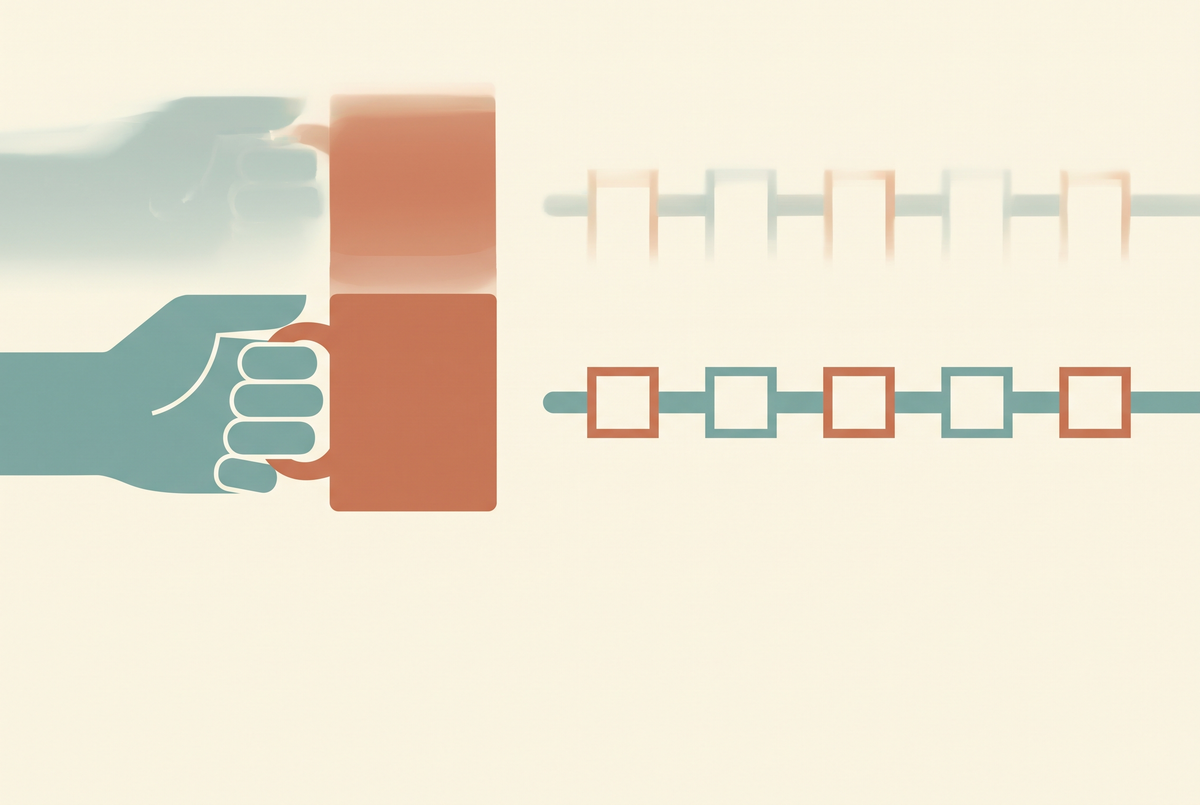
I had a clip I was genuinely happy with. Fifteen seconds, a woman picking up a coffee cup on a balcony, light doing exactly what I asked. Then I watched it at quarter speed and her left hand grew a sixth finger for four frames while it closed around the handle. Four frames. Nobody watching at normal speed would consciously notice, and yet everyone I showed it to said the same thing — something's off about it.
Hands are still the thing. Faces got solved, lighting got solved, cloth mostly got solved. Hands did not, and after a lot of wasted generations I've got a reasonably clear picture of why, and a short list of what actually reduces it. Not eliminates. Reduces.
Why hands specifically
Three things stack up, and it's the stacking that makes it hard.
First, hands are high-articulation objects in a low-pixel budget. A hand in a medium shot might be 40 pixels across while containing five independently jointed digits. The model has less information to work with there than almost anywhere else in the frame, and more structure to get right.
Second, the training data is biased toward hands doing nothing. Enormous numbers of photos of people with hands relaxed at their sides or out of frame. Far fewer of a hand mid-grip on a specific object from a specific angle. The model has seen "hand" a billion times and "hand closing around a cup handle" comparatively rarely.
Third — and this is the one specific to video — temporal consistency has no anatomical anchor. The model generates frames that need to agree with each other, but nothing in the architecture knows a hand has exactly five fingers and that the count must not change between frame 12 and frame 13. It's matching appearance, not tracking objects. So you get the four-frame sixth finger: locally plausible, temporally impossible.

What does not work
Let me save you the time I spent:
- Negative-prompting the anatomy. "No extra fingers, no deformed hands" does approximately nothing, for reasons I went through in my piece on negative prompts — the models have no concept of finger-counting to push against.
- Asking for "perfect hands" or "anatomically correct hands". Adds tokens, changes nothing measurable.
- Cranking resolution. A 1080p generation has prettier broken hands than a 720p one. Upscaling afterwards is worse — it sharpens the error.
- More steps / higher guidance. Helps texture. Does not add fingers-awareness.
- Just regenerating. It works in the sense that you'll eventually get a clean one, but the hit rate on a hand-focused action is bad enough that it's the most expensive option on this list.
What actually reduces it
All of these are about giving the hand less to do, or less frame to do it in. None are clever prompt tricks, which is itself the lesson.
1. Start from a real image. This is the single biggest one. Image-to-video with a photograph where the hands are already correct means the model is propagating a correct hand rather than inventing one. It still drifts, but it drifts from a good starting point. My guide to image-to-video covers the setup.
2. Give the hand a simple, committed job. "Hand resting flat on the table", "hand holding a mug already gripped", "arms folded". Transitions are where it breaks — the moment of becoming a grip. A hand that starts and ends in the same configuration survives far more often than one that reaches, grasps and lifts.
3. Get hands out of the money shot. Crop above the wrist. Put the hand in shadow. Turn the palm away. Have the subject hold the object against their body rather than out in front. This feels like cheating and it is the professional answer — look at how much real product footage keeps hands at the edge of frame.
4. Shorten the clip. Drift accumulates. A 5-second generation has meaningfully fewer hand failures than a 15-second one from the same prompt, and stitching three good 5s clips beats fixing one bad 15s clip. More on that trade-off in AI video length.

5. Pick the model for the shot. They are not equal here. In my own testing on grip-and-lift actions, Kling 3.0 and Veo 3.1 hold hand structure noticeably better than the cheaper and faster options, and open-source Wan 2.2 is the weakest of the ones I run regularly — which is a fair trade for unlimited local generation, as long as you know to keep hands small in frame. I keep the current ranking in best AI video generator.
6. Fix it in post, not in the prompt. A four-frame glitch is four frames. Cut around it, freeze the preceding frame, speed-ramp through it, or mask a patch from an adjacent frame. A 20-second edit solves what an hour of re-prompting won't.
The honest limits
A few things I don't think are solvable right now, whatever you do:
- Two hands interacting. Fingers interlacing, hands passing an object between them, applause. Avoid entirely.
- Hand-to-face contact. Touching a chin, pushing hair back. Reliably ugly.
- Fine manipulation. Typing, buttoning, writing, playing an instrument. The model cannot do it and no prompt makes it.
- Close-ups of hands as the subject. If the hand is the point of the shot, shoot it or licence it. This is the one I'd genuinely not attempt.
It's worth saying that this category of near-miss — technically impressive, subtly wrong — is exactly what makes viewers distrust a clip without being able to say why. I wrote about the broader version of that problem in why AI videos look fake.

My actual checklist
Before I generate anything with a person in it now, I ask: do the hands need to be visible, and do they need to move? If the answer to both is yes, I either restage the shot so they don't, or I budget for four or five generations and an edit. If the answer is no — which it usually is, once I've thought about it — the clip gets easier and better at the same time.
The hands problem is mostly a staging problem wearing a technical costume. That's not a satisfying answer, but it's the one that has actually improved my output.
Looking for something else? Browse all 142 AI video guides in one list.
I keep the seed-locked hand test clips, the per-model failure rates I've measured, and the post-production patches I use in the community — that's where the current numbers live: join the AI Video Generator community on Skool. If you'd rather hand the problem over, I also make videos to order.
Share:
Negative Prompts for AI Video: What Actually Works